How to Secure Your Smartphone from Theft: Beyond Just a Case
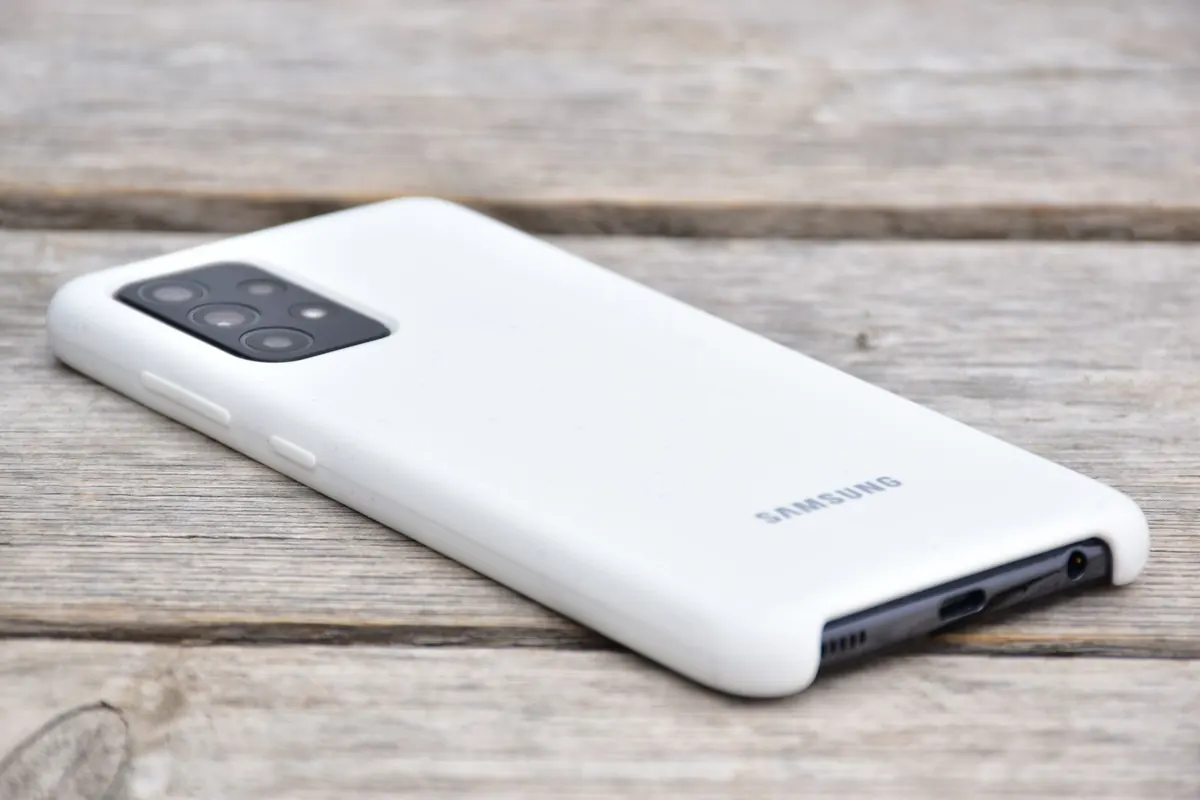
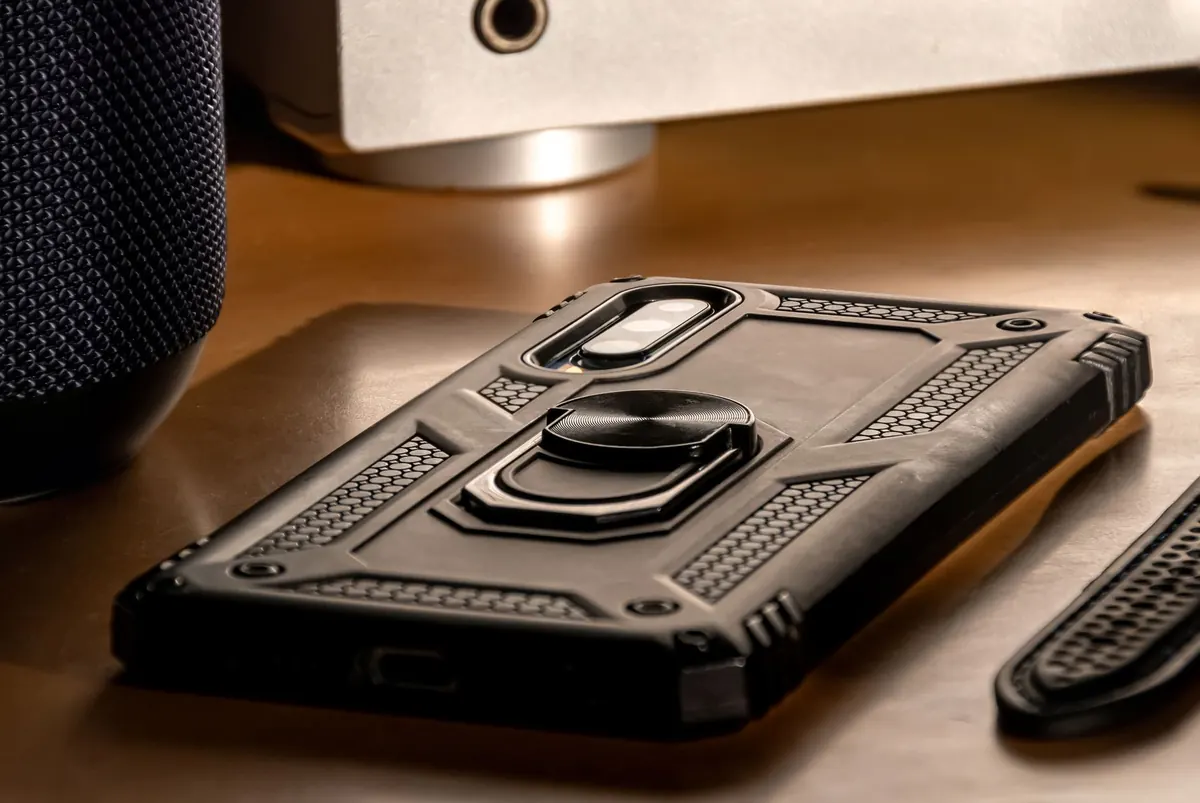
A good case keeps your screen from cracking when the phone hits the pavement. It does nothing when someone lifts the device out of your hand on a crowded tram, or when it vanishes from a café table while you're at the counter paying. Real theft protection is a mix of software settings, physical habits, and a short plan you can run through without panicking. Most of it is already built into your phone, sitting switched off two menus deep.
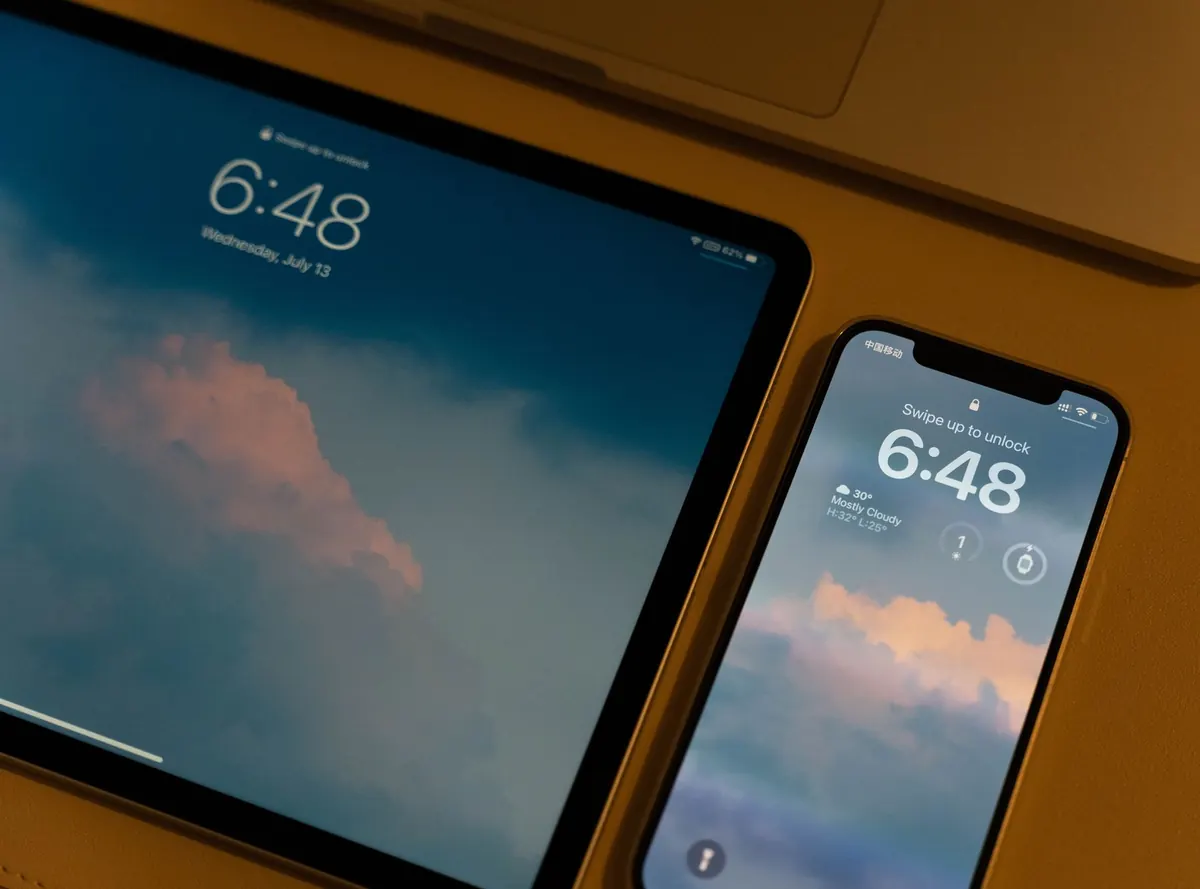
Start at the lock screen, because that's the first wall a thief meets. Move from a four-digit PIN to a six-digit code or, better, an alphanumeric passphrase. A birthday or the last digits of your phone number is not a passphrase. Biometrics are convenient, but they should be the shortcut, not the only lock — a passcode works when your face is obscured or your finger is wet.
Then close the side doors. On iPhone, open Settings > Face ID & Passcode and switch off access to Control Center, the Today View, and Siri when the phone is locked. That matters: a locked phone with Control Center available can be flipped into Airplane Mode in about a second, which cuts off tracking. On iOS 17.3 and later, also turn on Stolen Device Protection, which forces a Face ID check and adds a delay before critical changes like changing your Apple Account password can be made away from familiar places.
On Android, look under Settings > Security & privacy (names vary by manufacturer) for theft protection features such as Theft Detection Lock, which locks the screen when the phone is snatched and the motion suggests someone running, cycling, or driving away. Offline Device Lock does something similar when the network disappears. Turn on whatever your model offers; they cost nothing.
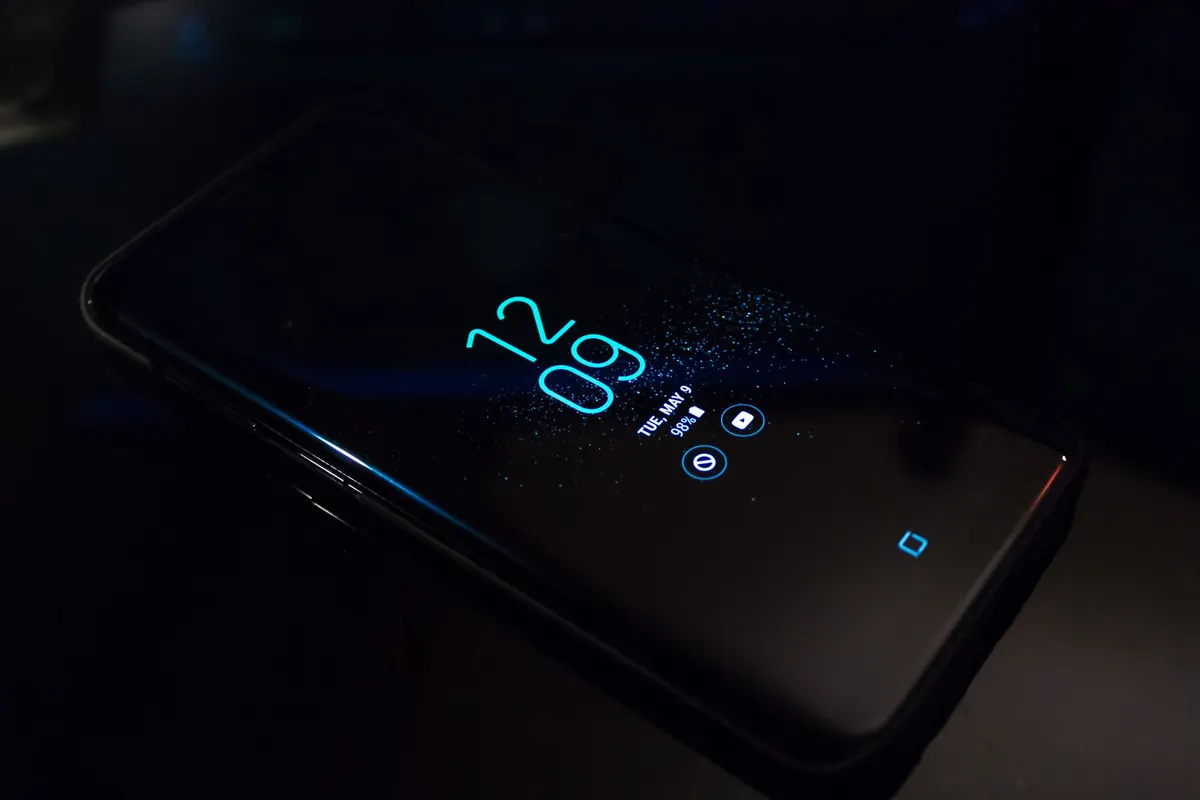
One more setting people forget: lock screen notifications. Set previews to show only when unlocked. Otherwise anyone holding your phone can read bank alerts, message previews and two-factor codes scrolling past.
Find My on iPhone and Find Hub (formerly Find My Device) on Android are the difference between a bad week and a lost device. Turn on location sharing, enable the offline finding network so the phone can still be spotted by nearby devices when it has no signal, and switch on "send last location" so the battery's final gasp gives you a breadcrumb.
Enabling these also switches on Activation Lock or Factory Reset Protection, which is the real deterrent. Without your account credentials, a wiped phone is a brick that nobody wants to buy. That single fact has done more to reduce phone theft than any case ever made.
Do one thing today: log in to the tracking website from a laptop while the phone is safely in your pocket. Confirm you remember the password and can actually see your device on the map. Finding out you've forgotten your login while standing in a police station is a miserable way to learn. If you live with family or a partner, share locations with each other permanently — it turns a solo search into a second pair of eyes.
The phone is replaceable. Your email inbox is not, because it's the master key that resets everything else. If email is protected, a thief's options shrink dramatically.
Turn on two-factor authentication for your main email first, then for banking, messaging and cloud storage. Use an authenticator app or a hardware key rather than SMS codes, since a stolen SIM can receive texts. Speaking of which: set a SIM PIN in your phone's settings. It's a short code that stops the card from being pulled and dropped into another handset. Your carrier can give you the default PIN if you don't know it — and don't leave it taped to the phone.
Do a quick inventory of what's stored on the device. Photos of your passport, driving licence or bank card? Move them to an encrypted password manager or delete them. Passwords typed into a Notes app under "logins"? Same treatment. If your banking apps support app-level biometric locks and transaction alerts, enable both. And if a phone with financial apps does go missing, contact your bank and consider freezing cards — for anything involving identity documents or account fraud, it's worth talking to your bank's fraud team or a qualified professional rather than guessing.
Most thefts aren't dramatic. They're opportunistic, and they happen in predictable places.
Write this order down somewhere other than your phone. In the moment, adrenaline makes people forget the basics.
Two things make a theft survivable: a recent backup and the information needed to act. Turn on automatic cloud backups for photos, messages and contacts, and check occasionally that the last backup date is recent. An encrypted local backup on a home computer is a useful second copy.
Then store, off the phone, in a password manager or on paper in a drawer: your phone's IMEI number (found under Settings > About or dialling *#06#), your carrier account number, your recovery codes for email and cloud accounts, and your insurance details if you have cover. Take two minutes to confirm your screen lock and tracking settings after any major system update — updates occasionally reset preferences you set months ago.
You don't need to overhaul everything at once. Set a longer passcode and switch off lock screen shortcuts. Confirm Find My or Find Hub is on and working. Add two-factor authentication to your email if it isn't already there. Write your IMEI somewhere safe. That's four small actions, and together they turn a phone from an easy payday into a frustrating brick — which is exactly the point. The case can keep doing its job on the outside; these settings handle everything else.
Photo: Chengxin Zhao / Pexels
Previous Post
Coastal Living: Protecting Your Gadgets from Salt Air and Sand
Next Post
Best Budget Phone Cases Under $20: Tested and Reviewed