Gadget Protection 101: Essential Accessories for New Device Owners
There is a particular feeling that comes with a brand-new device. The screen is flawless, the corners are unmarked, and nothing rattles when you shake it. That feeling usually lasts about six days. A phone slides off a café table, a tablet gets shoved into a bag next to a set of keys, and the first scratch shows up. Protection accessories exist to delay that moment for as long as possible, and they cost a fraction of a repair. Here is what actually matters, roughly in the order you should buy it.
The screen is the most expensive component in most devices and the one you touch constantly. A tempered glass protector absorbs the impact of a drop or a key in your pocket, and when it cracks, you peel it off and fit another one. Films are thinner and less visible, but they mostly guard against scratches, not impacts.
Application is where most people fail, so treat it like a small project:
Buy a two-pack. You will get one wrong eventually. Check compatibility before ordering: protectors for curved screens and phones with in-display fingerprint readers need to be made for that exact model, and a case-friendly cut keeps the edges from lifting.
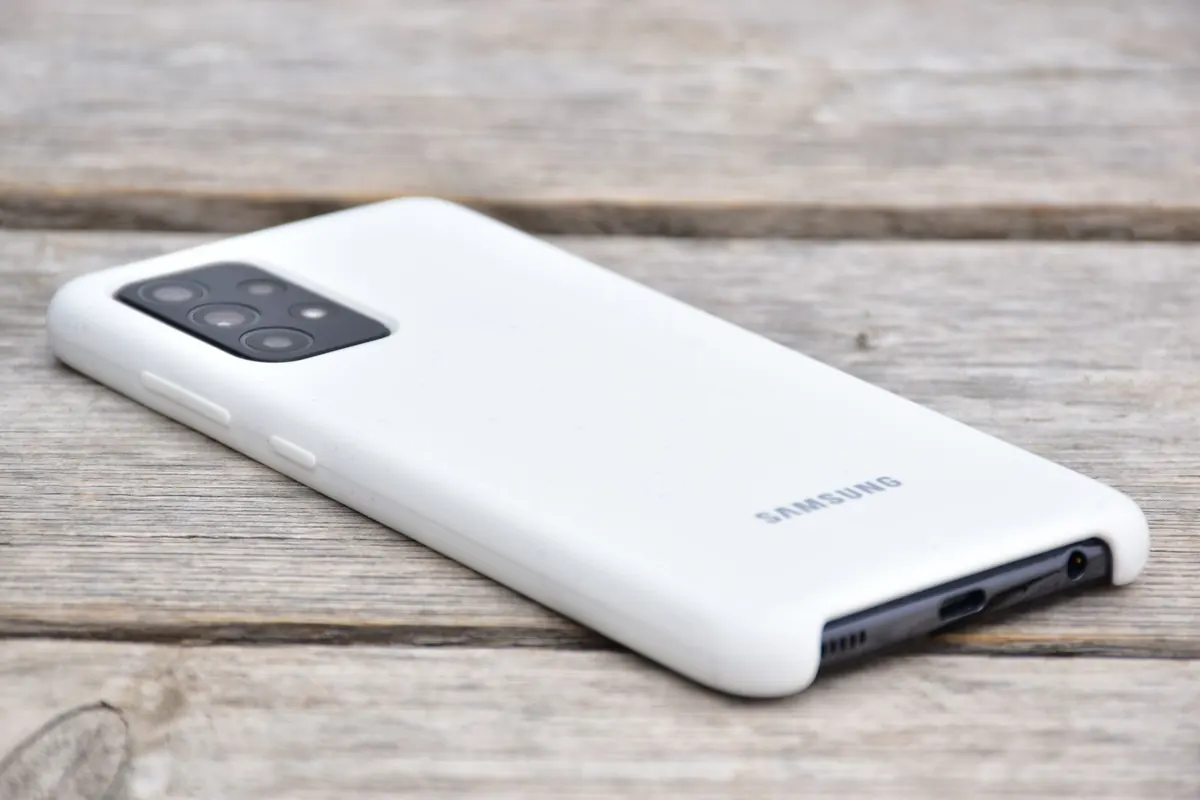
A case is the single best-value purchase you can make on day one, but the wrong one is worse than none at all. A loose case lets grit in, and trapped grit acts like sandpaper against the back of your phone.
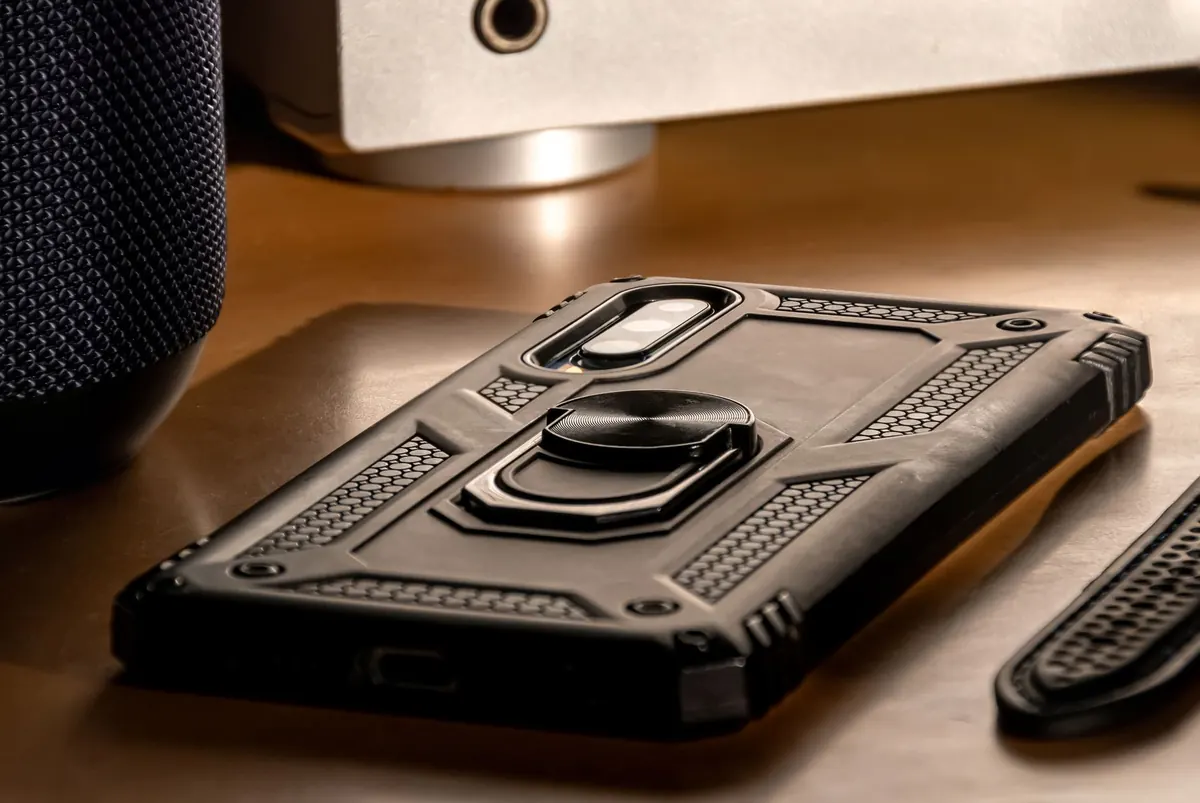
Thin silicone and TPU cases suit pocket carry and protect against scratches and small knocks. Two-layer cases with a hard shell over a soft liner handle real drops and cost you some bulk. If you work outdoors, ride a bike, or have dropped a phone in the past year, take the bulk. One caution: thick cases trap heat, and long gaming sessions on a covered phone get warmer than they should.
Thin tablets bend when they are pressed against the edge of a laptop or a water bottle inside a backpack, and bending damage is not covered by most warranties. Look for a folio with a stiff back panel, a fold-back stand you can actually balance on your knees, and automatic sleep and wake when the cover closes. If you use a stylus, check for a dedicated holder, and consider a matte screen film that adds a paper-like drag.
For e-readers and tablets that travel to the pool or the beach, a waterproof pouch is cheap peace of mind. Test the seal with a sheet of paper inside before you trust it with the device, and check it again every few months.
Laptop damage tends to arrive in three forms: hinge strain, screen pressure, and spills.
A padded sleeve is the minimum. Soft fabric envelopes look tidy but do very little, so choose something with a foam layer and a separate pocket so the charger does not press against the lid. Inside a backpack, keep the laptop in the middle, with a jumper or notebook between it and the outside wall.
Hard shells divide opinion. They stop scratches and scuffs on the lid, but dust and grit underneath can mark a matte finish, so remove and clean the shell every month or so. Keyboard covers keep crumbs and coffee out, though they trap heat on machines that already run warm. If you use one, lift it and wipe the keyboard regularly.
At a desk, a stand is protection. Raising the back edge improves airflow and keeps the fans from working overtime. Plug the charger into a surge protector rather than a bare wall socket, especially in older buildings or during storm season.
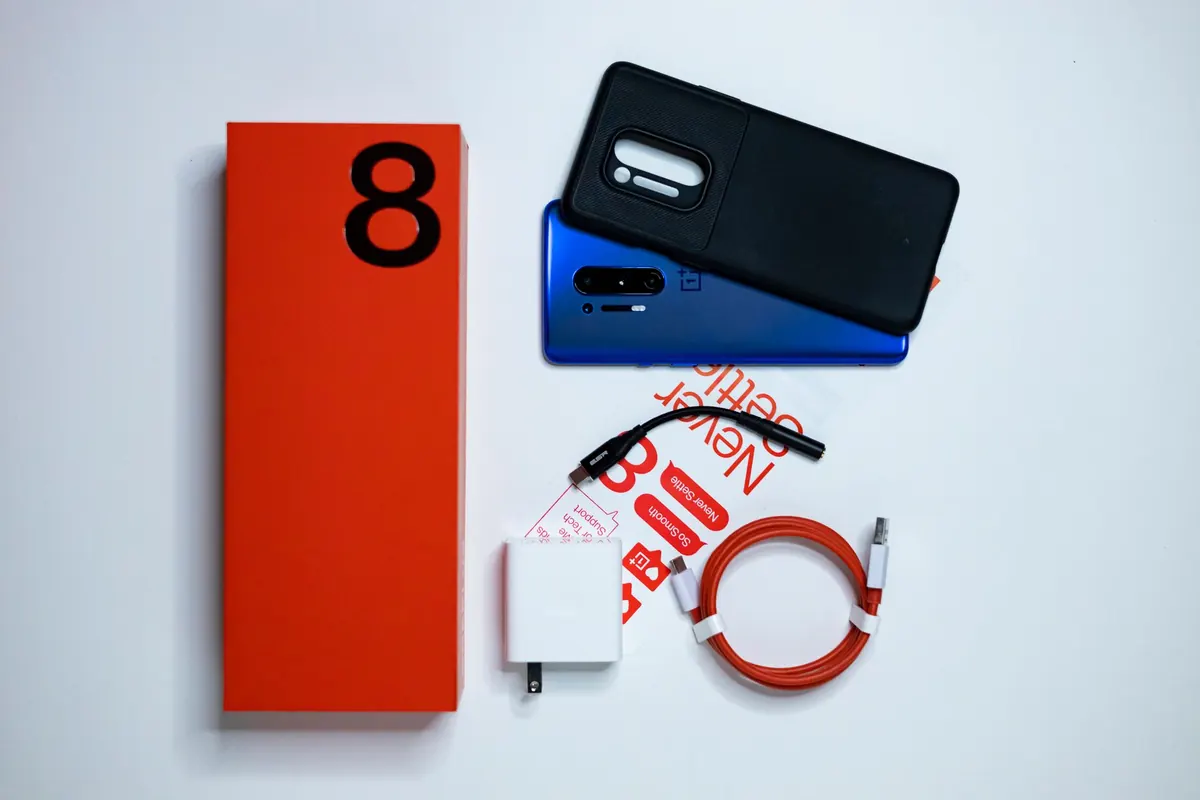
Flimsy cables and unmarked chargers cause more battery and port damage than drops do. Use the cable that came with the device when you can, and when you buy a replacement, match the wattage the device expects and choose branded products that carry the safety certification used in your region. Braided cables with reinforced connectors survive being bent at the same angle every night. If your phone lives on a bedside charger, a cable protector or a small spring at the plug end buys you another year of use.
If you are starting from zero, spend in this order: case, screen protector, bag or sleeve, then a good charger and cable. Everything else can wait until you notice a problem it would solve. Before you rely on a warranty or an extended protection plan, read the terms, because accidental damage is often excluded and plans vary widely. Whether a plan is worth the money depends on your budget and how you use the device, and if the sums are close, it is reasonable to talk it through with someone you trust or a financial adviser.
Gear only works if you maintain it. Once a week, lift the case off and wipe it inside, because grit collects there and grinds against the back panel. Check the screen protector for chips and replace it when you find one. Keep devices out of hot cars and off soft bedding while charging. Inspect pouch seals and strap stitching before a trip rather than after. Do those few things, and the "brand-new" feeling lasts a lot longer than six days.
Photo: Jordan Rushton / Pexels
Previous Post
Waterproof vs. Water-Resistant Cases: What's the Difference and Which Do You Need?
Next Post
5 Common Mistakes When Applying a Screen Protector (And How to Avoid Them)